


Master Your Studies with Study Subspace
AI-powered practice quizzes for South African learners in Grades 10 to 12. Pick a subject and topic, get a fresh CAPS-aligned quiz in seconds, and keep practising offline, even during loadshedding.
About Study Subspace
AI-Powered Learning for Deep Understanding
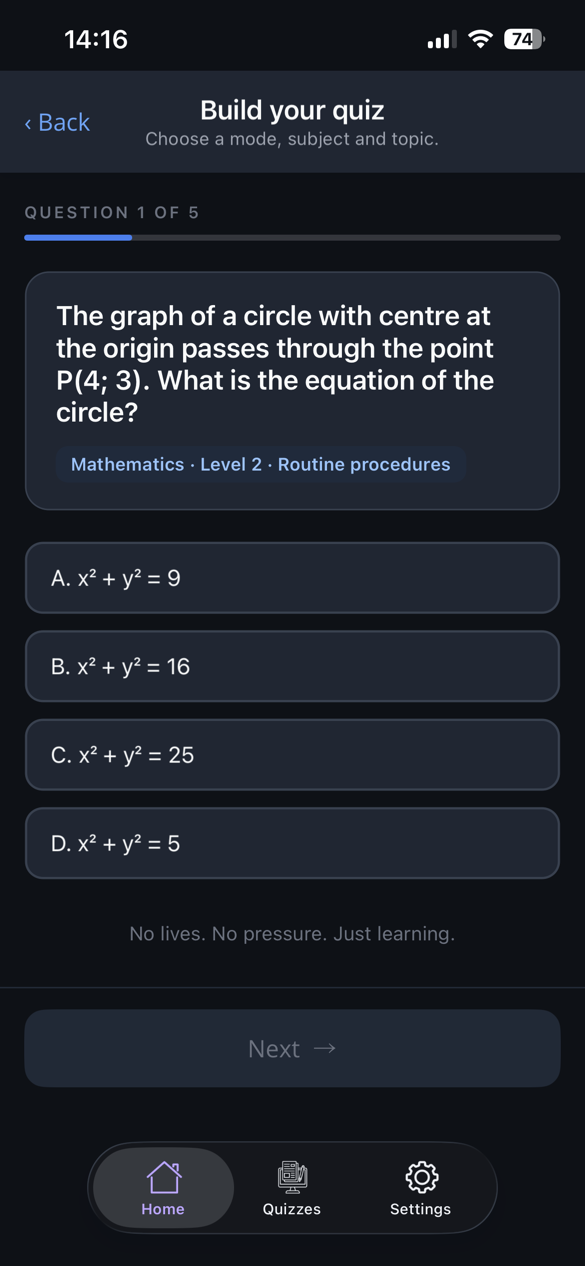
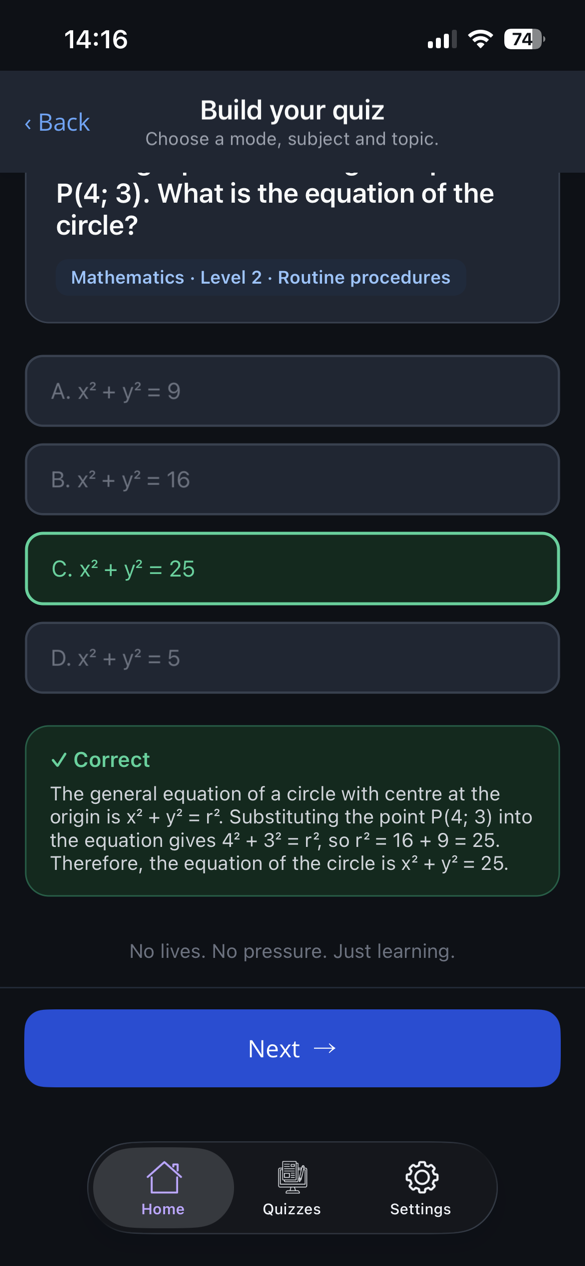
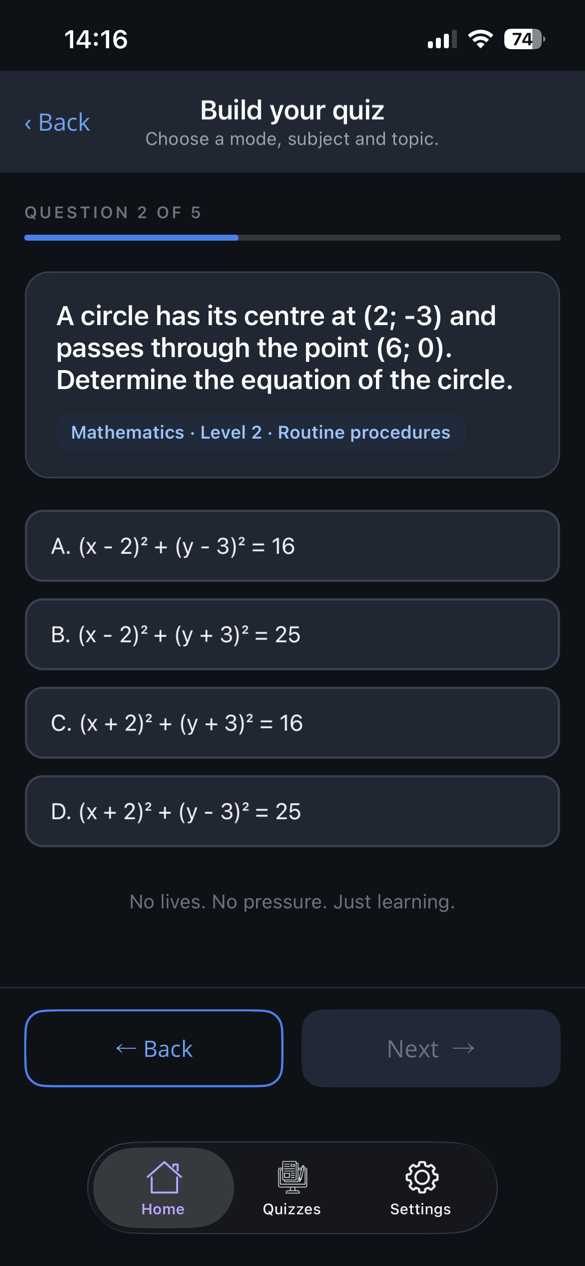
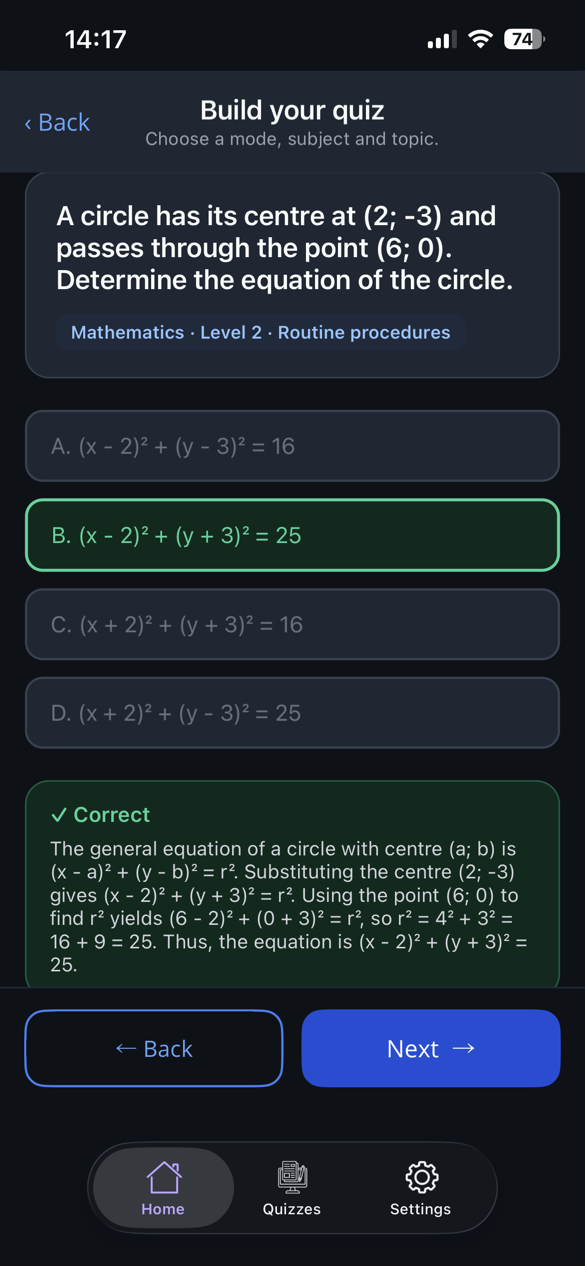
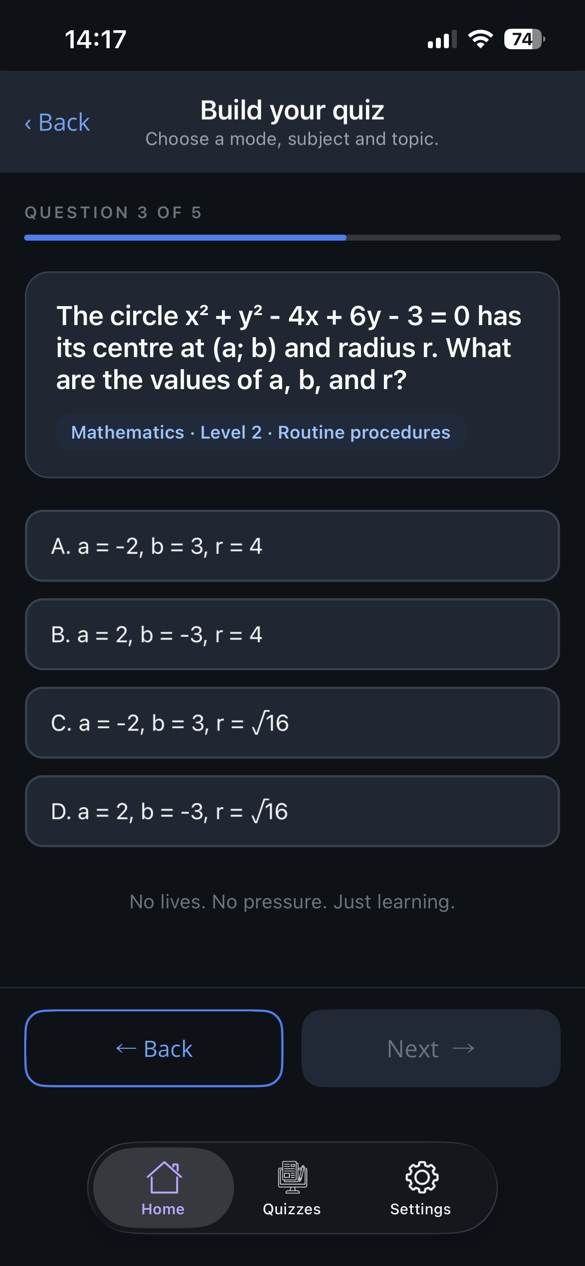
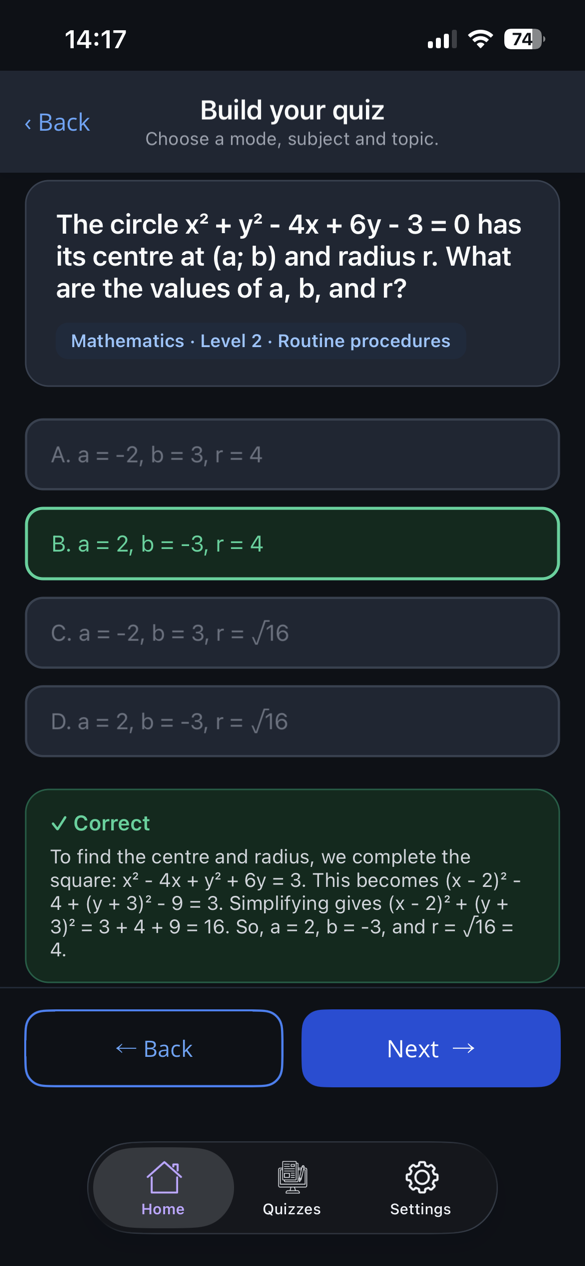
Study Subspace is an AI-powered learning app that helps learners master their subject content through active practice. Choose a subject, grade, topic and difficulty, and within about twenty seconds the app writes a fresh multiple-choice quiz aligned to the CAPS syllabus for that grade. Every question comes with the correct answer and a short explanation.
Quizzes can be saved and retaken with no internet at all, which matters during loadshedding and for learners on limited data. Because the app generates endless variations of questions, learners are encouraged to understand the work rather than memorise answers.
On the Family plan, parents can see at a glance how much each child is practising and how they are scoring, without needing to know the subject themselves.
See BenefitsAI-Powered Quizzes
Endless quiz variations on any topic, with an answer and explanation for every question
Offline Access
Save quizzes and retake them anywhere, even with no signal or during loadshedding
Syllabus-Aligned
Questions stay inside the CAPS topic list for your grade, from Grade 10 to Matric, in South African contexts
Parent Dashboard
Family plan parents see each child's practice, streaks and recent scores in one place
Transform Your Learning Experience
Study Subspace makes studying more interactive, accessible and effective for learners and parents alike
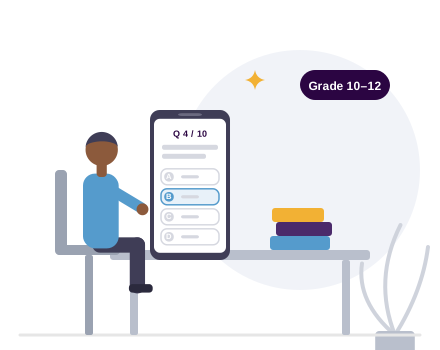
For Students
For Grades 10 to 12, build deep understanding through AI-generated quizzes on exactly the topics you choose. Practise in Practice mode with feedback after every answer, or in Exam mode with an optional timer, and review your results with explanations.
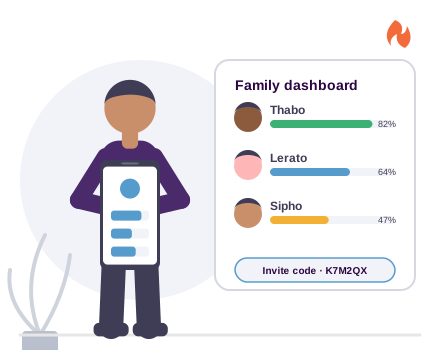
For Parents
One Family subscription covers up to three children. Share a six-character invite code, then follow each child's quizzes, streaks and recent scores from your own dashboard, without needing deep content knowledge.
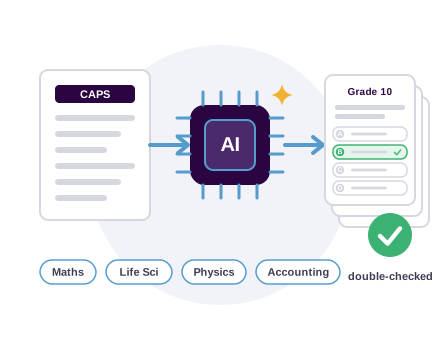
AI-Powered Learning
Quizzes are built from the official CAPS topic lists for each subject, grade and exam paper, so a Grade 10 quiz stays Grade 10. Paid plans get a second AI moderation pass that re-checks every answer.

Sign Up
Try a preview quiz before you even sign up. Then create an account with email, Google or Apple and tell the app your grade and curriculum once.
Generate a Quiz
Pick a subject, topic, difficulty and number of questions. Narrow it to a specific exam paper if you like. A fresh quiz arrives in about twenty seconds.
Practise and Save
Answer in Practice or Exam mode, read the explanations, and save the quiz to retake later, fully offline.
Benefits for Learners (Grade 10 to Matric)
Discover how Study Subspace transforms learning through AI-powered personalized practice

1. Personalized Learning
Students can choose exactly which topics they want to review, allowing them to learn at their own pace and spend more time on areas they find difficult.
- Choose your own study topics, difficulty and exam paper
- Focus on challenging areas that need more practice
- Adapt learning speed to your individual needs

2. Deep Understanding, Not Just Memorization
Every question comes with an explanation, and regenerating a topic gives new questions rather than the same ones with different numbers.
With endless variations of questions, learners are encouraged to truly understand concepts rather than memorise answers. This builds long-term comprehension and confidence in the subject.

3. Instant Feedback & Strong Exam Preparation
Learners receive immediate answers and explanations in Practice mode, or sit a timed Exam mode paper and review everything at the end.
- Get instant feedback on all quiz answers
- Reduce exam anxiety through consistent practice
- Build confidence with questions written for the CAPS syllabus

4. Independent Study Habits & Cost Savings
Study Subspace helps learners become more self-disciplined and responsible for their own learning, reducing reliance on extra lessons.
With continuous practice, guided feedback, streaks and weekly targets, learners can improve without always needing expensive extra lessons. Saved quizzes work offline, supporting equal learning opportunities regardless of data or electricity.
In Summary
Study Subspace makes studying more interactive, accessible, and effective. It empowers learners to learn through continuous practice, helps parents stay engaged in their children's progress, and supports Grade 10 to Matric learners in building strong, confident and independent study habits.
Pricing
Start free. Upgrade in the app through the App Store or Google Play. Paid plans carry generous fair-use limits, annual plans cost ten months' price for twelve, and cancelling keeps access until the end of the paid period.
Free
R0 / month
- 3 quizzes a day
- 5 questions per quiz
- Save and retake quizzes offline
- AI answer moderation pass
- Cloud backup of saved quizzes
- Parent dashboard
Student
R69 / month
or R690 / year
- Up to 15 quizzes a day, every day (450 a month)
- Up to 15 questions per quiz
- Diagrams where the subject supports them
- AI answer moderation pass
- Cloud backup of saved quizzes
- Parent dashboard
Family
R219.99 / month
or R2199.99 / year
- Everything in Student, with up to 15 quizzes a day per learner (450 a month each)
- Up to 3 learners on one subscription
- Parent dashboard with each child's quizzes, streaks and scores
- Six-character invite code to add learners
- One payment for the whole family
Frequently Asked Questions
Quick answers for learners and parents
Which grades and subjects are supported?
Study Subspace currently supports Grades 10, 11 and 12 (Matric) on the CAPS curriculum, with Mathematics, Physical Sciences, Life Sciences and Accounting at launch. More grades, subjects and the IEB curriculum are built and will be switched on as we grow.
Does it work without internet?
Saved quizzes, retaking them, results, explanations, your profile and your usage all work offline. Creating a new quiz, signing in with Google or Apple, paying and family features need a connection. The app tells you clearly when something needs data.
How accurate are the quizzes?
The app carries the official CAPS topic lists for each subject, grade and exam paper and instructs the AI to stay inside them. Questions use South African contexts, terminology and rand currency. On paid plans a second AI moderation pass re-checks every answer and removes anything off-syllabus. If you spot a mistake, use the report option in the app.
How do I pay, and can I cancel?
Subscriptions are bought inside the app through the Apple App Store or Google Play and renew automatically. Cancel any time from your store account; you keep access until the end of the period you have paid for. You can also switch between the Student and Family plans in the app.
How does the Family plan work?
A parent subscribes to Family and the app creates a six-character invite code. Up to three children enter the code in their own accounts and get Family benefits immediately. The parent dashboard shows each child's quizzes today and this month, their streak and recent scores. Parents can remove or restore members and children can leave at any time.
What happens to my data?
Only the quiz request (subject, grade, topic and syllabus scope) is sent to the AI, never your personal details. Account, profile, subscription and usage records are stored securely in the cloud so your plan follows you across devices. See our Privacy Policy for the full picture, and Delete Account if you want to leave.
Contact
Questions about the app, your plan or a school pilot? We would love to hear from you.
Email Us
Where We Are
Ballyclare Dr, Bryanston
In the App
Open More in the app to reach support by email or WhatsApp